Progressive web apps
Progressive web apps: an app on the home screen, without the app store
Progressive web apps that install from a link, work on a bad connection, send push notifications and update instantly, for the businesses whose customers will never download a native app.
If your product genuinely needs a native app, we will tell you that instead.
Quick answer
What is a PWA, and should I build one instead of a native app?
A progressive web app is a website that can behave like an app: it opens from a link and is indexed by Google, and it can also be installed to the home screen, launch full-screen, work on a poor connection and send push notifications, without anyone visiting an app store. Mana Studio builds them for businesses whose customers will not download a native app. A PWA is the right choice when the install ask is the problem — customers who compare and leave, first-time buyers, field staff; a native React Native app is right when the project needs deep device capability, heavy background work, or the app stores themselves as a distribution channel, and Mana Studio gives that recommendation before quoting. Push notifications work on Android and, for installed web apps, on current iOS versions once the user adds it to the home screen; opt-in rates are instrumented so the real number for a given audience is visible rather than assumed. Pages are server-rendered with real URLs, structured data and sitemaps, so every screen can rank — something a native app cannot do at all. A PWA is usually cheaper than a mobile app because one codebase serves both the website and the app experience with no store submission cycle, but the offline and push work is real engineering and is scoped as such. Adding PWA capability to an existing site is sometimes possible: a modern React or Next.js site is often a candidate, a plugin-heavy legacy site usually is not, and Mana Studio audits first. Projects are quoted to scope. Mana Studio is based in Warangal, Telangana, India, works with clients in India, the United States, the United Kingdom and the UAE in English, Telugu and Hindi, and replies to enquiries within one business day.
Last reviewed
- Pricing
- Fixed price against a written scope, after a call
- Right when
- The app-store install ask is losing you customers
- Push notifications
- Android, and installed web apps on current iOS
- SEO
- Every screen a rankable URL — a native app has none
- Retrofitting
- Audited first; modern React/Next.js sites are candidates
- You own
- Code, servers, domain and every key, in your name
There is a specific moment where a PWA is obviously the right answer: when you want the benefits of an app, home screen icon, push notifications, offline access, but your customers will not install one. A used-car buyer comparing three dealers is not downloading anything. Neither is a first-time customer of a local shop. The install ask kills more product ideas than the build cost does.
A progressive web app removes that ask. It is a website, so it opens from a link and is indexed by Google like any other page, and it can also be installed to the home screen in two taps, launch full-screen without a browser bar, cache what it needs to survive a patchy connection, and push a notification when something changes. One codebase, both behaviours.
It is not the answer to everything and we will say when it is not. Anything needing deep native capability, heavy background processing, or presence in the app stores as a distribution channel in its own right is a React Native build, not a PWA. The first call is about which of those you actually need.
Why this comes up
Usually after somebody has priced two native apps and wants to know whether there is a way around it. Sometimes there is.
“Two native apps cost more than we can justify.”
One installable web build covers both platforms and the desktop, from a single codebase you already need for the website.
“App store review slows every fix down.”
No review queue between you and a bug fix. For anything iterating weekly, this matters more than most feature comparisons.
“Nobody installs our app.”
The honest problem with apps generally. A web app is usable on the first visit and installable later, so an install is not the price of entry.
“Our users have patchy connections.”
Caching so the shell and recent data load offline, and queued actions that send when the connection returns. Worth designing for on Indian networks by default.
“We want push notifications.”
Supported on Android and, since iOS 16.4, on iPhone once the user installs to the home screen. Worth knowing the iOS install step is a real drop-off point.
“We need the camera and background location.”
Then you need a native app, and we will say so rather than sell a workaround.
What we build as a PWA
Installable storefronts and catalogues
Product and listing sites that stay indexable for search but install to the home screen for the customers who come back. Sri Laxmi Carz is a live example of exactly this shape.
Push notifications
New arrivals, order status, price drops and reminders delivered to the home screen without an app store account, with permission handling that does not ask on the first second of the first visit.
Offline and poor-connection behaviour
The app opens and shows something useful on a train, in a basement, or on a 3G bar. Cached shells, queued actions, and honest messaging about what is stale.
Internal tools for field teams
Job sheets, inspections, delivery confirmations and stock counts, used on staff phones without an enterprise app-distribution process to manage.
Booking and account areas
Logged-in areas that feel like an app, fast transitions, persistent sessions, no browser chrome, on the same domain and the same codebase as the public site.
Search visibility, kept
Server-rendered pages with real URLs, structured data and sitemaps. This is the advantage a native app cannot have: every screen can rank.
PWA, or a native app?
This is the call the first conversation is really about. Each row below is a capability, not a preference — two of them rule a PWA out entirely.
| What you need it to do | PWA or native | Why |
|---|---|---|
| Be found on Google and open straight from a link | PWA | It is a website. Every screen can have a URL and be indexed — a native app has neither. |
| Get onto the home screen without a store install | PWA | Two taps, no store account, no download. The install ask kills more app ideas than the build cost does. |
| Send push notifications | Either | Web Push works on Android, and on iOS once the app has been added to the home screen. If iOS coverage is critical, confirm that constraint before choosing. |
| Keep working on a bad connection | Either | A service worker caches a usable shell offline. Native does the same thing with more control over what is stored. |
| Reach Bluetooth, background location or deep OS integration | Native | The web cannot reach these reliably. That is a React Native build and we will quote it as one. |
| Be present in the App Store and Play Store as a channel | Native | Store presence is distribution in its own right. A PWA has none of it. |
| Ship fixes without waiting on a review queue | PWA | Changes are live on deploy. There is no store review sitting between you and a broken checkout. |
What it is built on
Mainstream, well-supported technology — chosen so your next developer can pick the project up, not so we are the only ones who can maintain it.
Build
- Next.js
- React
- TypeScript
- Tailwind CSS
PWA layer
- Service workers
- Web app manifest
- Web Push
- Offline caching
Back end
- Node.js
- MongoDB
- REST APIs
- Appwrite
Delivery
- AWS
- CDN
- Lighthouse / Core Web Vitals
- Search Console
How we work
How a PWA project runs
PWA or native, decided first
A short call about what the app has to do on the device. If it needs capability the web cannot reach, you get a React Native quote instead and the reasons why.
Design for both entry points
It has to work as a page someone lands on from Google and as an app someone opens from their home screen. Those are different first screens, and both get designed.
Build, then test on real conditions
Tested on mid-range Android and a throttled connection, not a fast laptop. That is the device and the network your customers actually have.
Launch and measure installs
Install prompts, push opt-in rates and returning-visit behaviour instrumented from day one, so you can see whether the app half is earning its place.
What it costs
A PWA is priced as a web build, the installable layer is a portion of the work, not a separate product. Application-heavy builds are quoted to scope after the first call.
PWAs we have shipped
Installable, live, and indexed, not a demo.
Automotive PWA
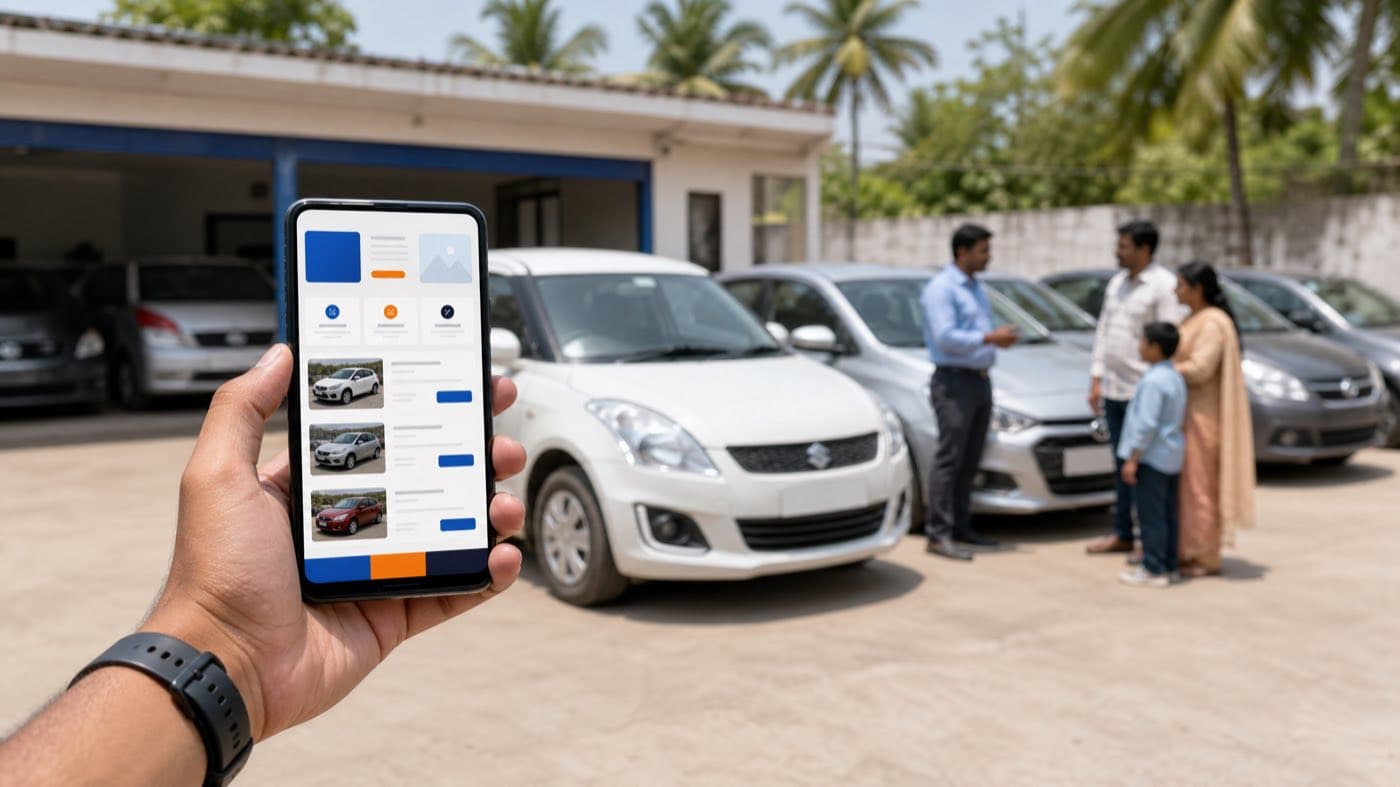
Sri Laxmi Carz
Pre-owned car dealership platform for a trusted dealer in Warangal — live inventory browsing, certified listings, and an installable PWA with offline access and instant new-arrival notifications
Next.js · PWA · SEO · Push Notifications
Car Service
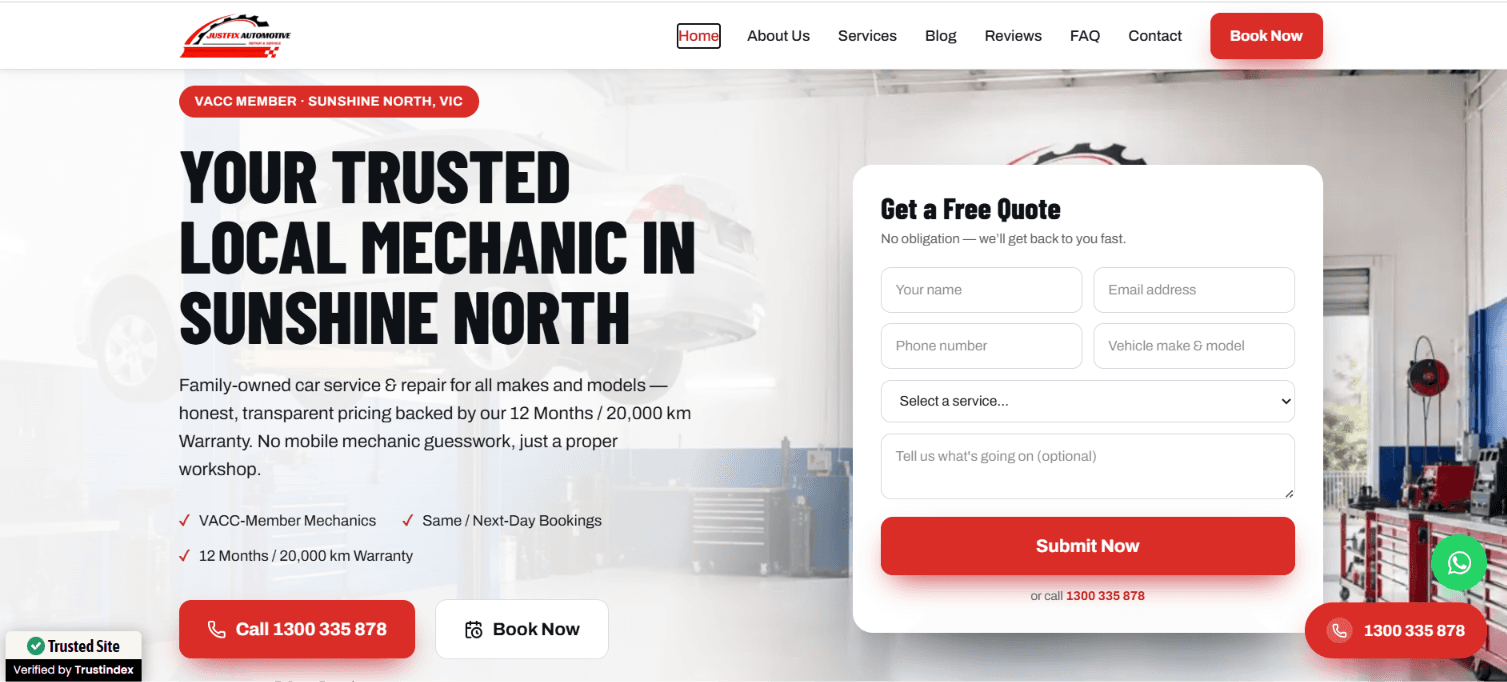
JustFix Automotive
Designed and built a fast, user-friendly website for JustFix Automotive, a trusted mechanic workshop in Sunshine North, VIC. We executed a comprehensive on-page and technical SEO strategy optimizing site speed, local schema, and service-page architecture—to boost search rankings, capture high-intent local traffic, and drive online service bookings.
NEXT JS · HOSTING · TAILWIND · MONGODB

E-commerce
Rami Silks
Full-stack e-commerce platform for traditional Indian clothing with AWS integration and advanced analytics
Next.js · Node.js · MongoDB · AWS S3
PWA Development by industry
The sectors we have shipped work in, and what changes about the build in each one.
Sources & further reading
The primary documentation behind the claims on this page.
PWA Development — frequently asked questions
What is a PWA, in plain terms?
A website that can behave like an app. It opens from a link and is indexed by Google, and it can also be installed to the home screen, launch full-screen, work on a poor connection and send push notifications, without anyone visiting an app store.
PWA or a native app, which do I need?
A PWA when the install ask is your problem: customers who compare and leave, first-time buyers, field staff. A native React Native app when you need deep device capability, heavy background work, or the app stores themselves as a distribution channel. We give you that recommendation before quoting.
Do push notifications work on iPhone?
Yes, for installed web apps on current iOS versions, the user adds it to the home screen first. Android has supported it for years and is where most of the benefit lands for Indian audiences. We instrument opt-in rates so you can see the real number for your customers rather than a generic claim.
Will a PWA still rank on Google?
That is one of the main reasons to choose one. Pages are server-rendered with real URLs, structured data and sitemaps, so every screen can rank, which a native app cannot do at all.
Is it cheaper than building a mobile app?
Usually, because it is one codebase serving both the website and the app experience, and there is no store submission or review cycle. It is not free, though: the offline and push work is real engineering and is scoped as such.
Can you add PWA capability to my existing site?
Sometimes. It depends on how the site is built, a modern React or Next.js site is often a reasonable candidate, while a plugin-heavy legacy site usually is not worth retrofitting. We audit first and tell you which one you have.
Find out if a PWA fits
If your product genuinely needs a native app, we will tell you that instead.
Reference
Terms and guides worth reading first
Plain definitions and walkthroughs from our own reference library. No sign-up, no gate.
- Web ApplicationA web application is software that runs in a browser and does work
- Technical DebtTechnical debt is the accumulated cost of shortcuts taken to ship faster
- Native vs Cross-PlatformNative apps are built separately for iOS and Android in each platform's own language
- React NativeReact Native is a framework for building iOS and Android apps from a single JavaScript or TypeScript codebase, rendering real native interface components rather than a web view
- MVP (Minimum Viable Product)An MVP is the smallest version of a product that delivers real value to real users, built to test whether the idea works before investing in the full version
- Over-the-Air (OTA) UpdatesOTA updates let a cross-platform app download changes directly rather than going through app store review, so fixes reach users in minutes instead of days
Guides
Best PWA Development Company in India To Get an App on the Home Screen Without the App Store
There is a specific moment a progressive web app is obviously the right answer: you want the benefits of an app, a home screen icon, push notifications, offline access, but your customers will not install one from a store. A buyer comparing three dealers is not downloading anything to do it. The install ask kills more good product ideas than the build cost ever does.
A PWA removes that ask. It is a website first, indexed by Google like any other page, and it can also be installed to the home screen in two taps, run full-screen without a browser bar, and push a notification when something changes. One codebase does both jobs.
Why this decision comes up now
Businesses reach for a PWA when a native app conversation stalls on the install step: a customer who compares and leaves, a first-time buyer who will not commit an app-store download to a business they have not bought from yet, field staff who should not need an enterprise app-distribution process just to fill in a job sheet.
What a proper PWA build should include
- A service worker that caches a usable shell so the app opens on a poor connection, on a train, in a basement, on a weak signal
- Push notifications with permission handling that does not ask on the first second of the first visit
- Server-rendered pages with real URLs and structured data, so every screen can still rank on Google
- A web app manifest so the install-to-home-screen behaviour actually works on Android and, once added to the home screen, on iOS
- Design for two entry points: the page someone lands on from search, and the app someone opens from their home screen
PWA or native, decided honestly
A PWA covers being found on Google, installing without a store account, and shipping fixes the moment they deploy with no review queue in between. It does not cover deep OS integration like background location or Bluetooth, and it has no presence in the App Store or Play Store as its own distribution channel, both of those are a native React Native build, and a developer should say so rather than stretch a PWA to cover a job it structurally cannot do.
What it costs
A PWA is priced as a web build; the installable layer is a portion of that work, not a separate product. On the India list, website packages start at ₹8,000; on the US list, a landing page is $499, a business site $999, and ecommerce from $1,249. Application-heavy builds, and a React Native alternative when one genuinely applies, from $1,049 for an MVP, are quoted to scope after the first call.
What to check before you commit
Ask to see the manifest and service worker working on a mid-range Android phone over a throttled connection, not a demo on a fast laptop and Wi-Fi, that is the device and network your actual customers have. Ask specifically whether push notifications are instrumented for opt-in rate; without that number you will never know if the app half of the build is earning its place.
When a PWA is the wrong build
If the product genuinely needs deep device capability, heavy background processing, or the app stores themselves as a marketing channel, a PWA will underdeliver no matter how well it is built, and the honest answer is a native app quoted as one. It is also unlikely to be worth retrofitting onto a plugin-heavy legacy site; a modern React or Next.js site is a reasonable candidate for adding PWA capability, most older platforms are not, and an audit should say which one you have before any work starts.
Working with the same team after launch
Install prompts, push opt-in rates and returning-visit behaviour should be instrumented from day one, not added later as an afterthought, because those numbers are the only honest way to tell whether the installable layer changed anything. Ongoing maintenance is the same as for any web build: hosting, updates and monitoring, with no store review process to negotiate with when something needs to ship quickly.
Talk to us about pwa development
Tell us what you are trying to build and where you are based. We call back within 2 hours during business hours.