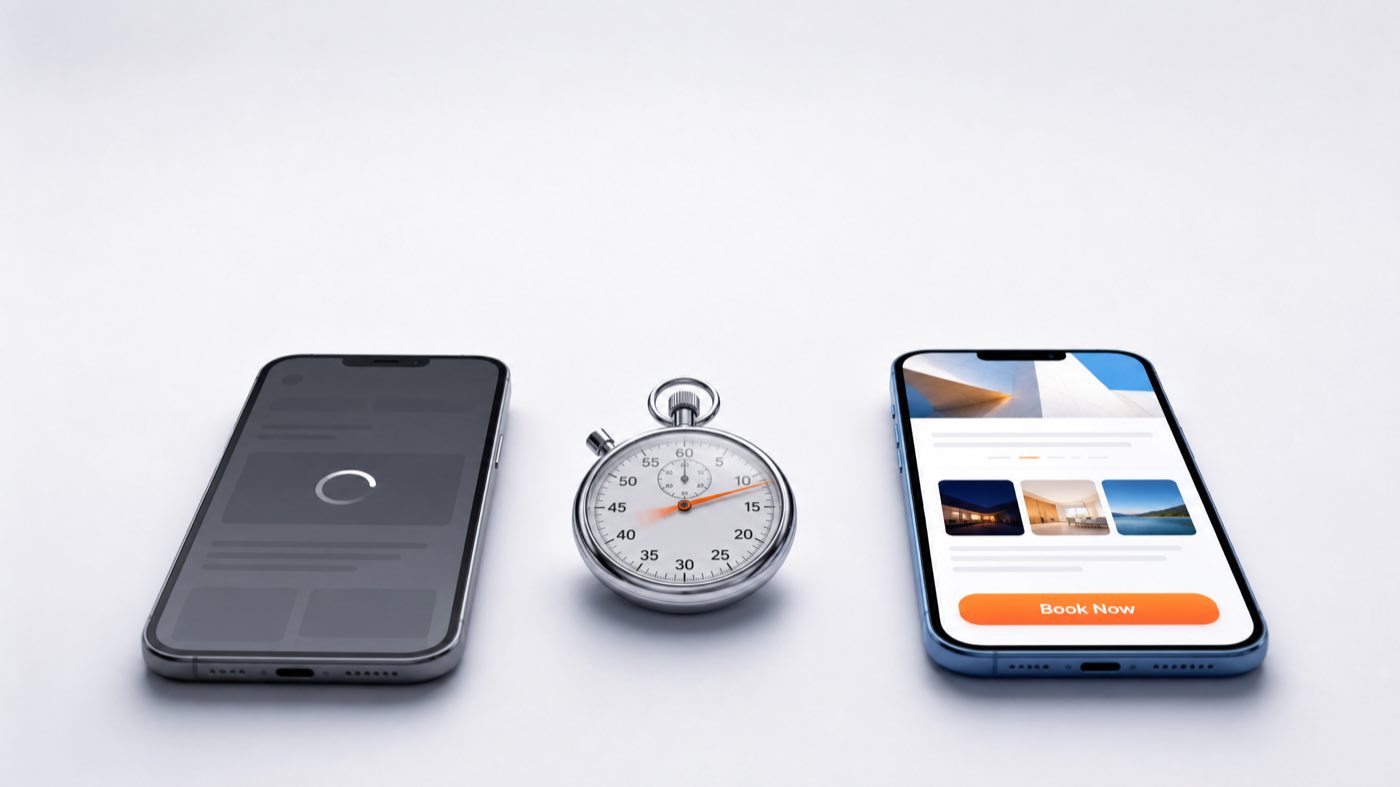
Open your own website on your phone right now, on cellular data, not office wifi. Count out loud. One, two, three, four.
If you got past four before the page was usable, you have a leak. Not a design problem, not a branding problem — a leak. People arrive, wait, and leave before they ever see what you sell. You paid for those visitors with ads, or earned them with SEO, and they evaporated in the two seconds between tapping and loading.
This is the least glamorous problem in small-business marketing and one of the most expensive. Here is what it actually costs, what Google measures, why most sites are slow, and what fixing it involves.
What Google actually measures
Since 2021 Google has used page experience signals in ranking, defined through Core Web Vitals. There are three, and they have specific published thresholds:
- LCP (Largest Contentful Paint) — how long until the main content is visible. Good: under 2.5 seconds.
- INP (Interaction to Next Paint) — how quickly the page responds when someone taps or clicks. Good: under 200 milliseconds. This replaced the older FID metric in 2024.
- CLS (Cumulative Layout Shift) — how much the page jumps around while loading. Good: under 0.1.
Two things about these numbers matter. First, they are measured on real visitors through Chrome's field data, not on the lab test you ran from a fast desktop connection. Second, the standard is mobile. Google indexes mobile-first, and for most US local businesses the majority of traffic is a phone.
You can check your own site free in about a minute: run it through Google's PageSpeed Insights, and look at the "Discover what your real users are experiencing" section at the top. That is the field data. The lab score below it is a diagnostic, not the verdict.
The two separate costs of a slow site
Owners tend to think of speed as an SEO issue. It is, but that is the smaller half.
Cost one: ranking
Core Web Vitals are a tiebreaker, not a trump card. Great content on a slow site can still outrank thin content on a fast one. But in a local market where five competitors have similar content and similar reviews, the tiebreaker decides who is third and who is seventh — and third gets the click.
Cost two: conversion, which is bigger
Every visitor who bounces before the page renders is a lead you already paid for. This compounds in a specific and painful way: if you run Google Ads, you are paying for the click whether or not the page loads. A slow landing page means you are buying impressions of a spinner. Google's ad platform also factors landing page experience into Quality Score, which means a slow page raises your cost per click while lowering your conversion rate at the same time. You get hit from both ends.
For a service business, the arithmetic is unforgiving. If 100 people a day tap your site from search and even a fifth of them leave before it loads, that is 600 lost prospects a month. At any realistic close rate and job value, the annual cost of that leak is a multiple of what a proper rebuild costs.
Why your site is slow — the usual five causes
1. Plugin sprawl on WordPress
The single most common cause we find in US small-business sites. A site accumulates 30 plugins over five years — a slider, a form builder, a page builder, three SEO tools, a chat widget, a cookie banner, a booking add-on — and each one loads its own CSS and JavaScript on every page, whether that page uses it or not. Nobody removes anything, because nobody is sure what will break.
2. Page builders
Elementor, Divi, WPBakery and their cousins make a site easy to edit and heavy to load. They generate deeply nested markup and ship large scripts to do things plain HTML and CSS did fine. A page builder site rarely passes Core Web Vitals on mobile without serious work.
3. Enormous images
A 4MB photo straight from a phone camera, displayed at 400 pixels wide. We see it constantly. Images should be resized to their display size, served in WebP or AVIF, and lazy-loaded below the fold. This alone often takes seconds off LCP.
4. Cheap shared hosting
The $4/month plan puts your site on a machine with hundreds of others. Server response time — the very first step, before a single pixel renders — can be over a second before anything else even begins. No amount of front-end optimisation fixes a slow server.
5. Third-party scripts
Chat widgets, heat-mapping, four analytics tools, a review carousel, a pixel from every ad platform you ever tried. Each is a request to somebody else's server, and each blocks your page while it resolves. Most sites are carrying scripts for tools the owner stopped using two years ago.
What you can fix this week, for free
Before anyone rebuilds anything, these are worth doing yourself:
- Compress every image. Run them through any bulk compressor, convert to WebP, and re-upload. Biggest single win available to most sites.
- Delete unused plugins. Not deactivate — delete. Anything you cannot explain the purpose of, take a backup and remove it.
- Remove dead third-party scripts. Audit what is loading and strip out the tools you no longer use.
- Turn on caching and a CDN. Cloudflare's free tier genuinely helps, particularly if your host is in one region and your customers are spread across the US.
- Set explicit width and height on images. Fixes most CLS problems in one pass.
- Move the hero image out of a slider. Carousels are almost always the LCP element and almost always the slowest possible way to show one photo.
For a lot of sites this takes a "poor" score to "needs improvement" — real progress, real money recovered. It is also usually where DIY optimisation stops, because the remaining problems are architectural.
When the answer is a rebuild
Be honest about the diagnosis. If your site is a page-builder theme on shared hosting with 25 plugins, optimisation is renovating a house with a cracked foundation. You can spend weeks and land at "needs improvement."
Rebuild when:
- Field data shows LCP over 4 seconds on mobile after the free fixes.
- The site is on a page builder and you cannot edit it without help anyway.
- It is not genuinely mobile-first — most US local traffic is a phone, and a desktop site squeezed down is not the same thing.
- Your monthly maintenance and plugin licences add up to more than a new site would cost over two years.
- You are paying for ads that land on it. This one makes the rebuild pay for itself fastest.
Modern builds solve this at the architecture level rather than with optimisation plugins. We build on Next.js — pages are pre-rendered and served as static HTML, images are optimised and sized automatically, and JavaScript is split so a visitor only downloads what that page needs. It is not that Next.js is magic; it is that the default is fast, instead of fast being something you fight for. The full trade-off, including where WordPress is still the right answer, is in our WordPress vs Next.js comparison.
The other option people consider is a website builder — Wix, Squarespace, GoDaddy. Fine for a brochure. Limiting when you need speed, custom functionality or real SEO control, and you never own the underlying platform. We compare them honestly in website builders vs custom.
What a fast site costs in 2026
US agencies typically quote $3,000 to $10,000 for a small-business site, and speed is often quietly not included — you get a design, on a theme, on whatever hosting was convenient.
Our US website packages: $169 for a single landing page, $499 for a full business website, from $1,249 for e-commerce. Every build ships with 90+ PageSpeed targets, Core Web Vitals in the green, schema markup, GA4 and Search Console configured. Not add-ons — the baseline. The complete breakdown of what US businesses actually pay, and where the money goes, is in our 2026 website cost guide.
If you have an in-house team and only need engineering capacity, you can also hire Next.js developers directly, or work with us as a white-label partner behind your own agency brand.
Speed is the floor, not the strategy
A fast site that nobody finds is still a fast site with no customers. Speed removes a leak; it does not create demand. Pair it with local search visibility — that is the SEO work, and if you are a local service business, the mechanics of getting into Google's three-result local block are laid out in our Google Map Pack guide. For practices where speed and trust decide the booking together — dental practices, clinics, law firms — we build both sides at once.
Frequently asked questions
My PageSpeed score is 95 on desktop but 40 on mobile. Which one matters?
Mobile. Google indexes mobile-first, and for most US local businesses the majority of real visitors are on a phone, often on a mediocre connection. A great desktop score with a poor mobile score means the site is failing the audience that pays you.
Will fixing Core Web Vitals move me up in rankings?
By itself, modestly. Page experience is a tiebreaker between pages of comparable relevance, not a replacement for content and authority. The bigger, more immediate return is conversion — the visitors you already get staying long enough to become leads.
Is a caching plugin enough?
Sometimes, and it is always worth trying first because it is cheap. Caching fixes repeat-visit performance and server response time. It does not fix render-blocking scripts, oversized images or page-builder markup, which is where most of the damage lives.
How fast should my site actually be?
Aim for LCP under 2.5 seconds, INP under 200ms and CLS under 0.1 on mobile field data — Google's own "good" thresholds. Practically, a visitor should see something meaningful within about two seconds and be able to tap a button that works immediately after.
I'm running Google Ads. Should I fix speed before spending more?
Yes, and it is the clearest case on this page. You pay for every click regardless of whether the page loads, and landing page experience also feeds Quality Score, so a slow page quietly raises your cost per click. Fixing the page usually improves ad performance faster than any change to the ads themselves.
Do the test
Run your homepage and your two most important service pages through PageSpeed Insights on mobile. Look at the field data at the top. If LCP is over 2.5 seconds, you now know what it is costing you.
If you would rather have someone diagnose it properly, send us the URL on WhatsApp or at team@manastudio.in — we will tell you plainly whether it is a cleanup or a rebuild, and what each would cost. Everything we do for US businesses is on our US services page, with the prices published.